
Printing a document at Leclerc is not a straightforward process. From one store to another, the hours vary, the kiosks are not always available, the accepted formats change, and compatibility with your devices is never guaranteed. The promise of quick and universal printing often clashes with a more nuanced reality: the service simply depends on the store and the day’s foot traffic.
The prices also take different paths. Color, black and white, paper weight, number of pages: everything affects the final price, not to mention express options or delayed pickups, which are far from being standardized even within the same chain.
Everything you need to know about the printing services offered by Leclerc
At Leclerc, document printing goes well beyond simple photo printing or CV copying. Most stores rely on a partnership with Cewe to offer self-service kiosks designed for both the daily needs of individuals and the expectations of professionals, freelancers, or students. This setup covers a wide range of uses, including the following concrete examples:
- photo prints for albums or frames
- printing of official or administrative documents
- creation of personalized books or unique calendars
What sets Leclerc’s printing service apart is the ease of access and the variety of formats offered. The kiosks accommodate several types of media:
- USB drive for files saved at home or in the office
- SD card from a camera
- smartphone, via a direct connection or Wi-Fi
- in some stores, access to files stored in the cloud
On the technical side, quality is guaranteed thanks to two complementary technologies: inkjet for documents and thermal sublimation for photos. The result: sharp prints, true-to-life colors, on standard paper, premium photo paper, or glossy, depending on your preferences.
The available formats cover most needs, from administrative procedures to creative desires: A4, A3, 10×15 cm, 13×18 cm, 20×30 cm, 35×45 mm (perfect for ID or passport photos), and even large format posters to make a statement at an event.
The list of options doesn’t stop there. Depending on the store, you can choose from:
- double-sided printing to reduce paper consumption
- stapling to group your documents
- binding for a professional finish
- perforation to integrate your documents into a binder
On the budget side, Leclerc offers competitive prices, with regular promotions and several payment solutions: credit card, cash, or payment via the dedicated app.
To delve deeper into the topic, the keyword document printing at Leclerc will lead you to detailed resources, including the page “Printing at Leclerc: how to print your documents in-store? – Geek Nation,” which explores each step in detail.
How to print your documents in-store: simple steps and practical tips
The Leclerc store printing service appeals with its accessible operation for everyone. Prepare your files in advance on a USB drive, SD card, or smartphone, then head to the photo area. There, locate the self-service printing kiosk, often identifiable by the Cewe logo.
Connect your device, and the kiosk quickly detects your files, whether they are administrative documents, photos to frame, books to gift, or posters to display. The touchscreen interface, designed to be intuitive, guides you step by step: choice of document type, selection of format (A4, A3, 10×15 cm…), color or black and white option depending on the desired output.
For specific documents, such as ID photos or official files (driver’s license, visa…), the kiosk offers suitable templates, simplifying the creation of files that comply with current standards. Inkjet for texts, thermal sublimation for images: the technology adapts to your needs.
Here are some tips to make the experience smoother:
- Ensure your files are compatible (PDF, JPEG, PNG as a priority)
- Name each document clearly to avoid selection errors
- Group your files in a single folder to save time at the kiosk
Some stores offer additional services like binding, stapling, or perforation. Before starting the print job, check the output on the screen. A final glance avoids unpleasant surprises.
Payment is made directly on-site, simply: credit card, cash, or payment via the Leclerc app. However, note that not all options are available at every store. For detailed instructions, the page “document printing at Leclerc” offers an illustrated tutorial, regularly updated.
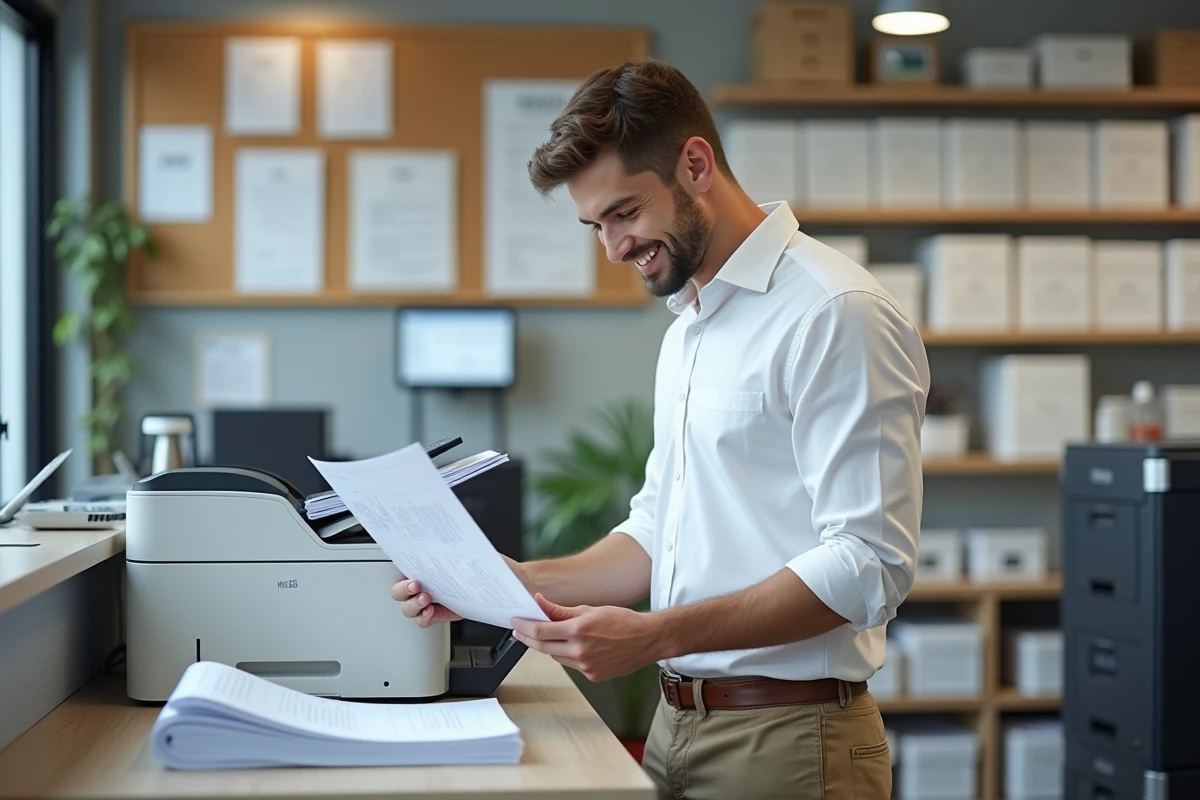
Prices, available formats, and tips for successful printing at Leclerc
The range of formats available at Leclerc adapts to most needs. For clarity, here’s an overview of the main options:
- A4 and A3 for office or administrative documents
- 10×15 cm to 20×30 cm for photo prints, albums, or gifts
- specific formats (35×45 mm, 2×2 inches) for ID, visa, or passport photos
The variety of paper types available meets every use: standard paper for daily files, thick paper for reports, premium or glossy photo paper for images, matte or white matte for more subdued presentations.
On the price side, the kiosks display attractive values: expect around €0.15 per A4 page in black and white, €0.45 in color, and €0.25 for an ID photo. The price will depend on the medium, format, color, and number of copies. Stay alert for promotional offers, discount vouchers, codes, or cashback to optimize your budget.
To avoid any issues, prioritize the PDF format for your documents (ensuring layout preservation) and check the resolution of photos before starting the print job. Binding, stapling, or perforation options are offered at some locations: don’t hesitate to ask at the reception. Payment remains flexible: credit card, cash, or via the Leclerc app.
By preparing your files and choosing the most relevant format, you save time and ensure quality results. In cases of very specific requests, the kiosk interface allows you to adjust every detail and customize the finish according to your expectations. Nothing prevents turning an administrative necessity into a simple… and sometimes even enjoyable experience.